In short
- Keep a simple list of the accounts each person can use, and give everyone their own login where you can.
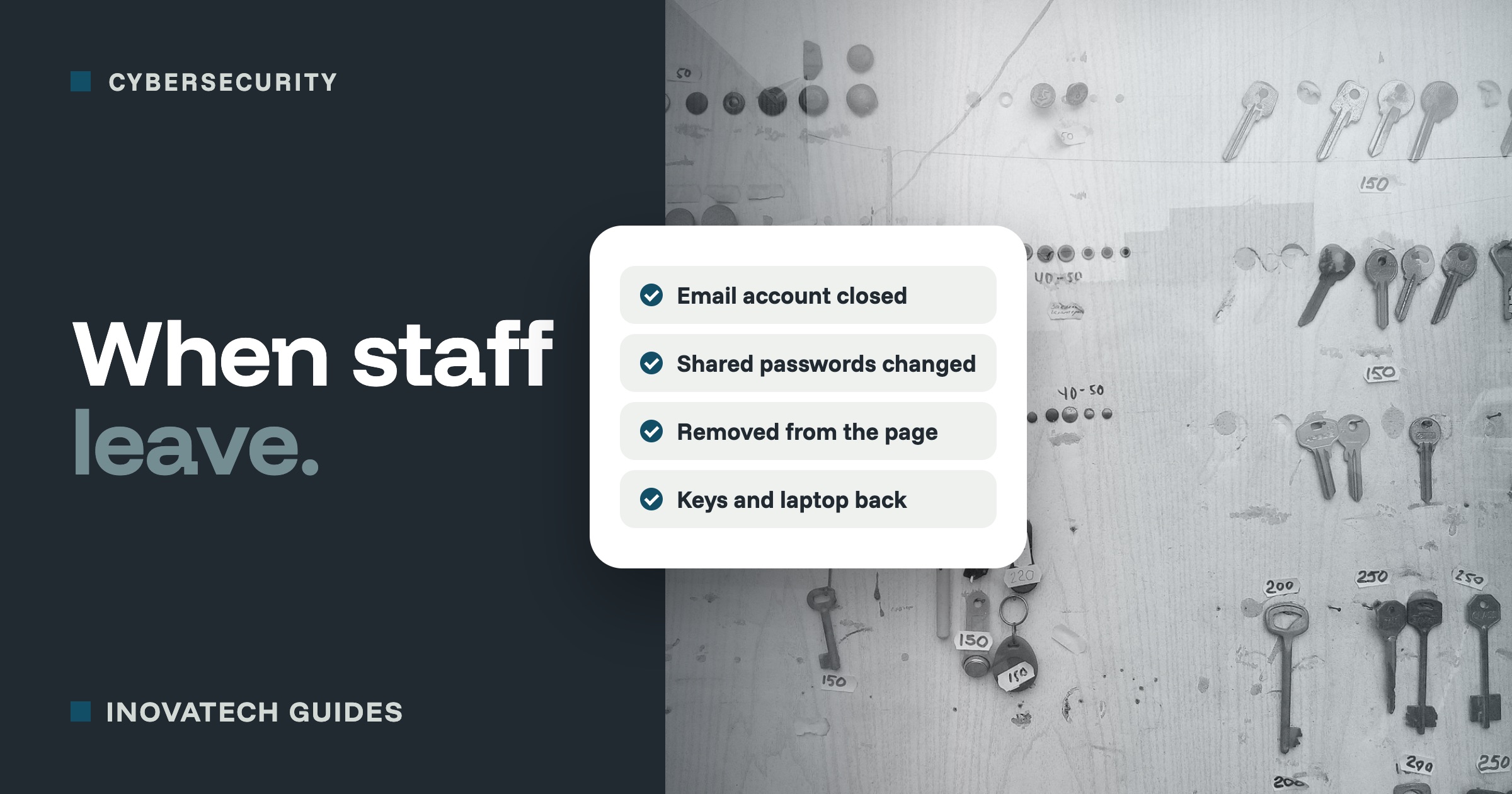
- On their last day, block their accounts, change the passwords they knew, and remove them from your social media pages.
- Get devices and keys back, and keep their email and files for the business rather than deleting them straight away.
Why it matters, even when people leave on good terms
Most people never misuse old access. The trouble usually comes from things nobody remembered: an ex-employee still listed as the only admin of the business page, a booking site login that was never changed, or a recovery phone number that belongs to someone who left two years ago. If their account is ever hacked, yours can go with it.
Make it easy before anyone leaves
- Give everyone their own login wherever you can, instead of one shared password. Then you remove one person, not change everything.
- Keep a simple list of which accounts each person can use. A spreadsheet with names across the top and accounts down the side is enough.
- Make sure the business owns its accounts: set up with a business email address, and with you as an owner or admin.
- Use a password manager for shared logins, so access can be taken away in seconds. Our password manager guide explains how.
The checklist for their last day
Do these on the day they finish, or during the conversation if they are leaving on bad terms.
Email and files
- Block their sign-in or change their password, and sign them out of all devices.
- Keep their mailbox and files for the business rather than deleting them straight away. Most email services let you forward their email to someone else, add an automatic reply, or turn the mailbox into a shared one.
- Move any files the business needs into a shared folder before you delete anything.
Shared passwords
- Remove them from the password manager.
- Change every shared password they knew: booking sites, suppliers, the business Wi-Fi, the alarm code.
Social media and online listings
- Remove them as an admin or editor of your Facebook and Instagram accounts, your LinkedIn page, and your Google Business Profile.
- Check that you, not them, are the owner of each one.
Business systems
- Remove them from booking platforms, accounting software, your card machine provider’s account, and your website or web host.
- Change any card machine refund or admin PIN they knew.
- Check two-step verification and recovery details: make sure none of the business’s accounts sends codes to their phone or email.
Devices and the building
- Get back the work laptop, phone and any memory sticks. Reset them before giving them to someone else.
- If they had work email on their own phone, make sure the work account is removed from it.
- Collect keys, fobs and cards, and change any door or alarm codes.
People
- Tell your team who now looks after what.
- Let regular customers and suppliers know who to contact from now on.
A week later
Have one more look: check the admin lists on your social media pages and key accounts, and look at any sign-ins you do not expect. Then update your list of who has access to what.
Want a list of who can get into what? Our cybersecurity support includes going through your accounts, making sure the business owns them, and setting up a simple leavers checklist. Our two-step verification guidecovers keeping recovery details in the business’s hands.