In short
- Scammers fake names and numbers, then push you to act fast: a missed parcel, a bank alert, a supplier with new bank details.
- Never act on the message itself: hang up and call back on a number you already know, or call 159 to reach your bank.
- Forward scam texts to 7726, report fraud to Report Fraud, and if you have paid, call your bank straight away.
How these scams work
Nearly every scam text or call does two things: it pretends to be someone you trust, and it pushes you to act before you have time to think. A parcel is about to be returned. Your bank has spotted fraud. Your account will be closed today.
The name or number on your screen is no proof. Scammers can make a call look as if it comes from your bank’s real number, and fake texts can even appear in the same conversation as genuine ones from that company.
The ones small businesses see most
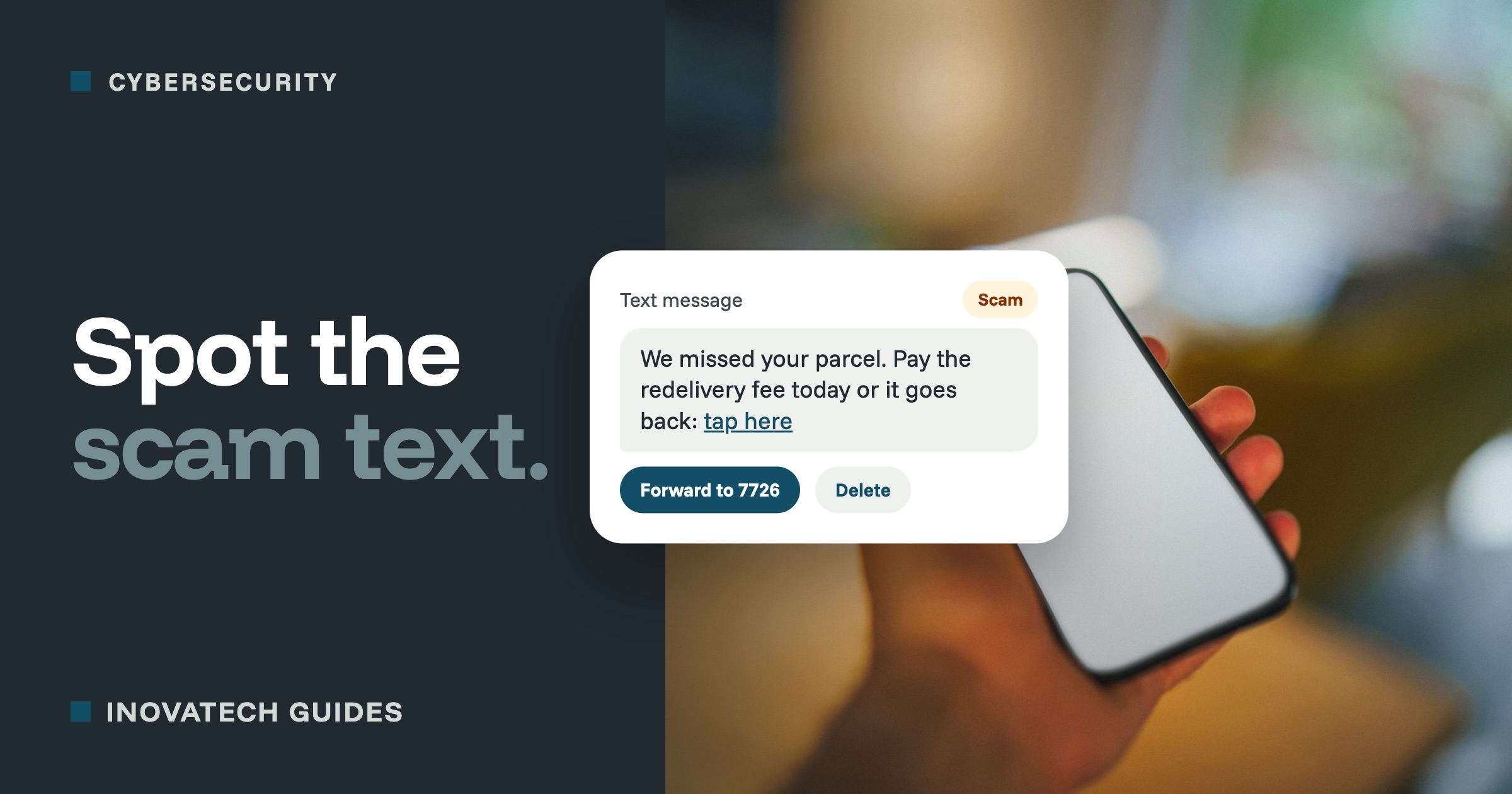
- Delivery texts. A missed parcel and a small fee to rebook. The link leads to a fake page that takes your card details. Businesses expecting deliveries every day are easy targets.
- “Your bank’s fraud team”.A call or text about suspicious payments, then a request to move your money to a “safe account”, read out a code, or install an app. Your bank will never ask you to do any of these.
- A supplier with new bank details. A message or call, apparently from someone you already pay, saying their account has changed. Always check by calling them on a number you already have.
- Calls about your Google listing. Threats that your listing will be removed, or promises to get you to the top of Google, for a fee. Your Google Business Profile is free and you can manage it yourself. Our Google Business Profile guide shows how.
- Tax refunds and penalties. Texts that look like they come from HMRC, with a link to claim a refund or pay a fine. Go to GOV.UK yourself instead of using the link.
- “Hi Mum, I’ve lost my phone”. A message on WhatsApp from a new number, supposedly a family member or colleague, asking for money urgently. Call them on their usual number.
- “I sent you a code by mistake”. A way of stealing your WhatsApp or social media account. Never pass on a code sent to you. Our two-step verification guide explains why.
The warning signs
- It is urgent, or threatens a fine, a closed account or a missed delivery.
- It wants you to click a link, call a number it gives you, or install something.
- It asks for a password, a PIN, a code or your card details.
- It asks you to pay in an unusual way, or to a new account.
- It tells you to keep it secret, even from your bank.
What to do
- Do not click, reply or call the number in the message. Replying tells scammers your number is live.
- Check another way. Hang up, then call the company on a number you already know: from their website, your paperwork or the back of your card. Use a different phone if you can, because a landline call does not always end straight away when you hang up.
- For your bank, call 159. It connects you safely to most major UK banks.
- Tell your staff. Whoever answers the phone or opens the post needs to know these scams too.
Where to report it
- Scam texts: forward the text to 7726. It is free, and helps your phone network block the sender.
- Scam calls: text the caller’s number to 7726 as well.
- Scam emails: forward them to report@phishing.gov.uk.
- If you have lost money or been targeted by fraud:report it to Report Fraud, the police’s national fraud and cybercrime reporting service, which replaced Action Fraud, online or on 0300 123 2040. In Scotland, call Police Scotland on 101.
If you have already paid or shared details
- Call your bank straight away, on 159 or the number on your card. The sooner you call, the better the chance of stopping the payment.
- Change any password you gave away, starting with your email, and switch on two-step verification.
- If you installed something or clicked a link on your phone, contact your mobile provider and avoid banking apps on that phone until it has been checked.
- Report it to Report Fraud, as above.
If you were tricked into sending a bank transfer, you may be able to get your money back. Since October 2024, UK banks have usually had to refund victims of this kind of scam, and that includes the smallest businesses (fewer than ten staff), up to a limit of £85,000. Claims need to be made within 13 months, so speak to your bank as soon as you can.
Want your team ready for these? Our cybersecurity support includes a short session for you and your staff on spotting scams, plus two-step verification on the accounts that matter. If you run a holiday let or B&B, read our guide to booking scam emails too.