In short
- Most websites and apps now encrypt what you send, so public Wi-Fi is less risky than it was, but fake networks still exist.
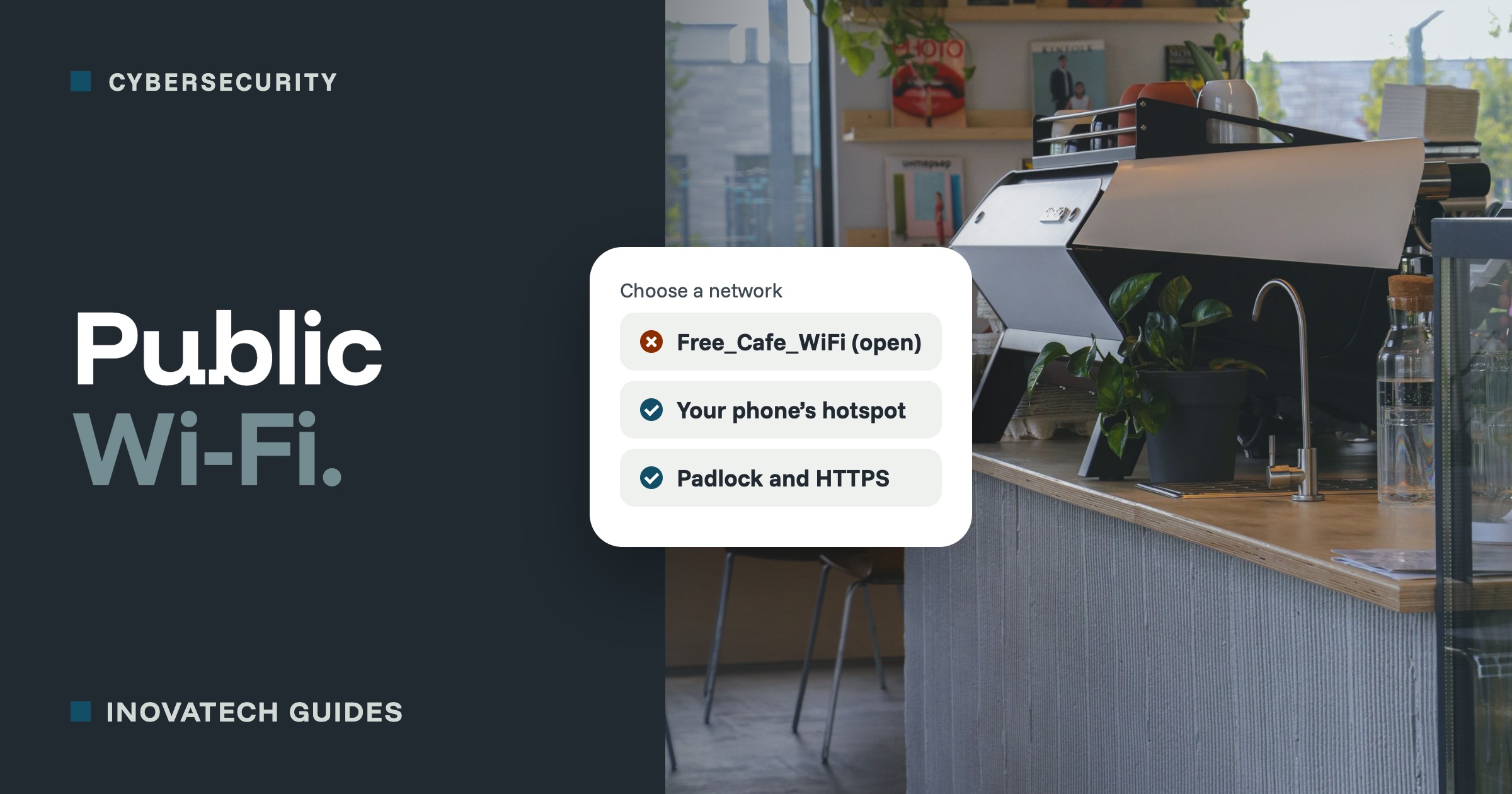
- Your phone’s hotspot is usually the safer choice for banking, payments and anything with customer details.
- A VPN hides your browsing from the local network, but it does not stop scams or viruses, and you have to trust the VPN company.
What has changed
A few years ago, public Wi-Fi was genuinely risky, because much of what people sent online was not encrypted. Today almost every website shows the padlock (HTTPS), and banking, email and most apps encrypt what they send. Someone else on the same café Wi-Fi cannot simply read your emails or your card details.
The risks that remain
- Fake networks.Anyone can set up a hotspot called “Free Cafe WiFi”. If you connect to theirs, they can try to send you to fake login pages.
- Sign-in pages that ask for too much, such as your email password or card details just to get online.
- File sharing left switched on, so other people on the network can see your laptop.
- People looking over your shoulder, which is still the simplest way to steal a password.
- Out-of-date devices, which are easier to attack wherever they are connected.
Simple habits that cover most of it
- Check the network name with the staff before you connect.
- Use your phone’s hotspot for anything sensitive, such as banking, payments, or customer details. It is your own connection, and usually the safer choice.
- Look for the padlock, and if your browser shows a security warning about a site, stop. Do not click through it on public Wi-Fi.
- Mark the network as public.On Windows, choose “Public network” when you connect, which turns off sharing. Macs do not share by default, but check that File Sharing is off.
- Forget the network when you leave, so your device does not reconnect to it, or to a fake with the same name, automatically.
- Keep devices updated and switch on two-step verification, so a stolen password alone is not enough.
What a VPN does
A VPN (virtual private network) creates an encrypted tunnel from your device to the VPN company’s servers. The Wi-Fi you are using can no longer see which websites you visit. It is a reasonable extra layer if you often work on public networks.
What a VPN does not do
- It does not stop scams. A fake login page or a scam email works just as well through a VPN.
- It does not stop viruses or protect a device that is out of date.
- It does not make you anonymous. Websites still know it is you when you sign in.
- It moves your trust, it does not remove it. The VPN company can see where your traffic goes. Choose a well-known, paid provider, and be wary of free VPN apps, some of which make their money from your data.
A different kind of VPN: reaching the office
Some businesses use a VPN to reach files or systems kept on a computer or server in the office. That is a different tool, set up by whoever looks after your IT. If your email, files and accounts are all in the cloud, such as Microsoft 365 or Google Workspace, you probably do not need one.
In short
- Everyday browsing and email on public Wi-Fi is fine on an updated device.
- For banking, payments and customer details, use your phone’s hotspot.
- A good VPN is a sensible extra if you work away a lot, but it is not a shield against scams.
Offering Wi-Fi to your own customers? Our guide to securing your business Wi-Fi shows how to give them a separate guest network. For help setting up laptops and phones for working on the move, see our cybersecurity support.