In short
- Before it happens: a screen lock, encryption, Find My switched on and a recent backup turn a lost device into a nuisance.
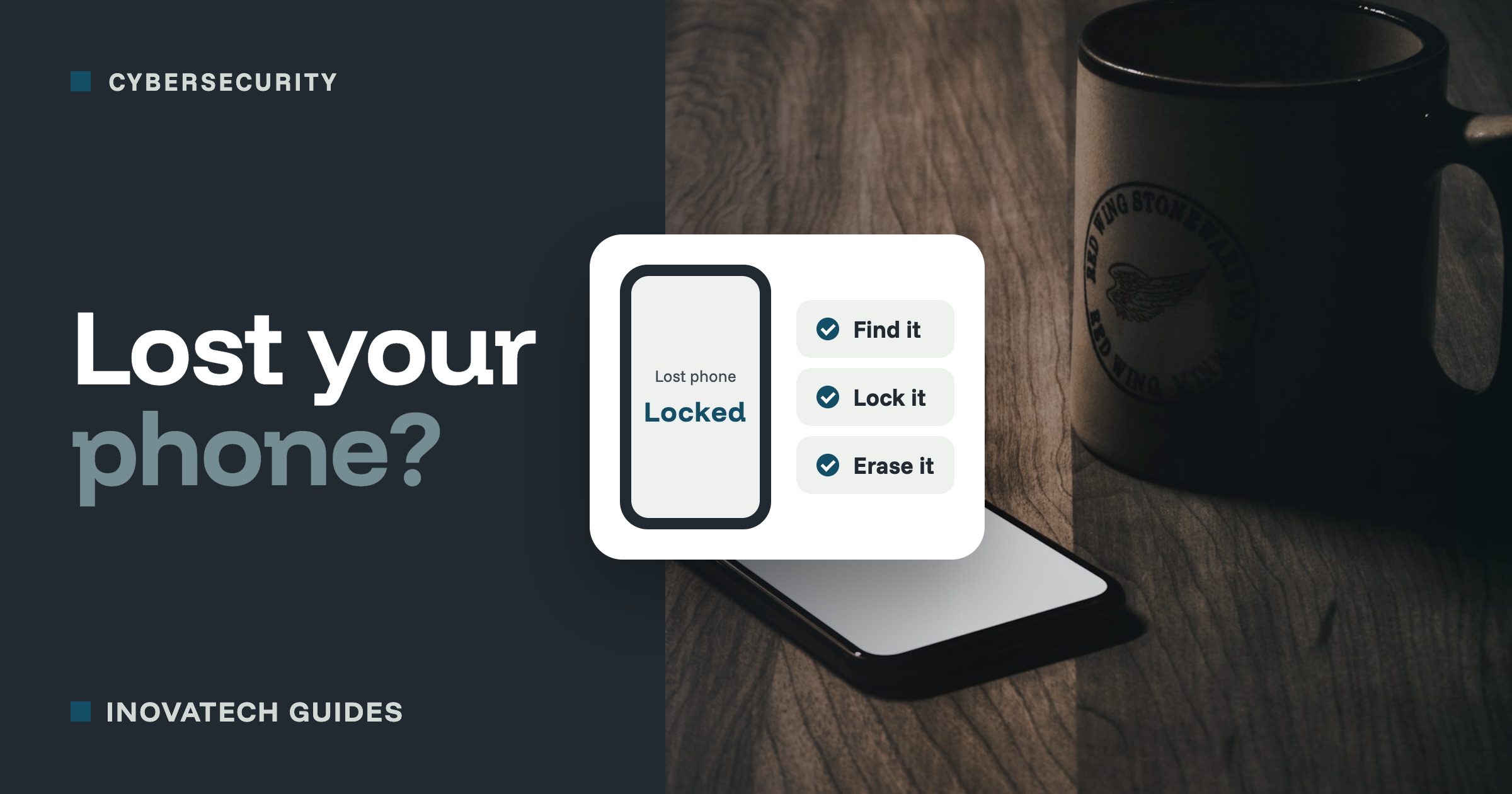
- If it goes missing, find it, lock it, and if it will not come back, erase it remotely, then change your key passwords.
- Tell your mobile network, report a theft to the police, and if it held customer details, check whether to tell the ICO.
Before it happens: five minutes today
- A screen lock on every phone, tablet and laptop: a PIN, password, fingerprint or face. Set it to lock after a minute or two.
- Encryption, so nobody can read the files without your password. Phones with a passcode are already encrypted. On Windows, check Device encryption or BitLocker is on. On a Mac, switch on FileVault.
- Find My switched on: Find My on Apple devices, Find Hub on Android, and Find my device on Windows. Without it, you cannot locate, lock or erase the device later.
- Write down your phone’s IMEI number, its unique serial number. Dial *#06# to see it, and keep it with your records.
- A recent backup, so losing the device does not mean losing the data. Our backup guide shows how.
- Backup codes for two-step verification kept somewhere other than the phone, so you can still sign in to your accounts.
The first hour: what to do
- Try to find it.Sign in from another device: icloud.com/find for Apple, Google’s Find Hub for Android, or your Microsoft account’s Devices page for Windows. It may simply be in the car.
- Lock it and mark it as lost. You can show a message on the screen with a number to call, in case an honest person finds it.
- If it will not come back, erase it remotely. This wipes everything, so use it as a last resort: afterwards you can no longer track it.
- Call your mobile network to block the SIM, so nobody can use your number to receive your security codes, and ask them to block the phone itself using its IMEI.
- Change your key passwords from another device,starting with your email, then banking, then anything else that was signed in. Use the “sign out of all devices” option where there is one, and remove the lost device from your trusted devices.
- Tell your bank if banking or payment apps were on it.
Reporting it
- If it was stolen, report it to the police online or on 101. You will get a crime reference number, which your insurer will want.
- If it held customers’ or staff’s personal details,it may count as a personal data breach. If it could put people at risk, you must report it to the Information Commissioner’s Office within 72 hours of finding out. A device that was encrypted and locked is usually far lower risk. The ICO’s website has a short self-assessment to help you decide.
- Write down what happened and what you did, with times. It helps with the insurer and the ICO.
Afterwards
Once things are calm, think about what was on the device and what could have made it easier: was everything backed up, was it encrypted, did anyone else know how to lock it? Then set up the replacement properly from the start, using the list at the top of this guide.
Want your devices set up so this is a nuisance, not a crisis? Our cybersecurity support includes checking screen locks, encryption, Find My and backups on your phones and laptops, and writing down what to do if one goes missing.