In short
- Cyber Essentials is the government-backed minimum standard of cyber security, built around five basic controls.
- Some public sector and larger company contracts require it, and it shows customers you take security seriously.
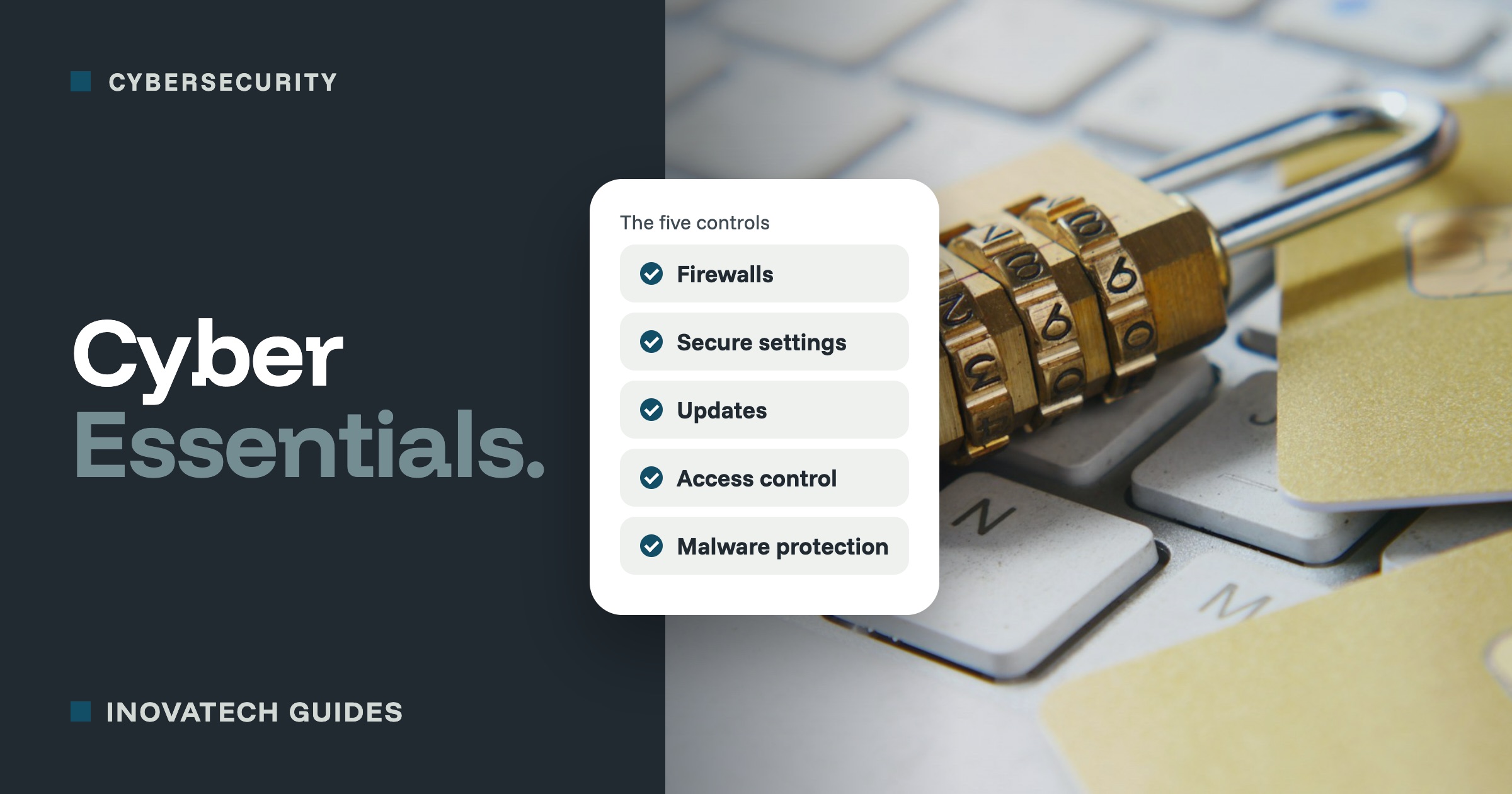
- Even if you never certify, the five controls make a good checklist: firewalls, secure settings, updates, access and malware protection.
What Cyber Essentials is
Cyber Essentials is the UK government’s certificate for basic cyber security. The National Cyber Security Centre describes it as “the minimum standard of cyber security recommended by the Government for organisations of all sizes”. It is run by the NCSC and delivered by its partner IASME, through a network of certification bodies around the country.
It is not about expensive software. It checks that the basics are in place, the same basics that stop most everyday attacks.
The five controls, in plain English
- Firewalls: your router and computers block connections that should not get in. Usually it is about checking the settings are switched on.
- Secure settings: remove software and accounts you do not use, change default passwords, and lock screens.
- Security updates: only use software that still gets updates, and install important security updates within 14 days. Our updates guide covers this.
- User access control: everyone has their own account, admin rights only for those who need them, and two-step verification on online services. See our two-step verification guide.
- Malware protection: antivirus switched on (the protection built into Windows and Macs counts), and apps installed only from trusted sources.
The two levels
- Cyber Essentials: you answer an online questionnaire about your setup, and an independent certification body checks your answers.
- Cyber Essentials Plus: the same, plus hands-on testing of your devices and systems by an assessor. It is the one some contracts ask for.
A certificate lasts 12 months, then you renew it.
What changed in April 2026
The requirements were updated for assessments from late April 2026. The main changes for a small business:
- Two-step verification is a must on every cloud service that offers it, such as email, file storage and accounting software. Missing it means failing.
- Cloud services cannot be left out. The online services you use count as part of your setup.
- Passkeys and other passwordless sign-ins are now formally recognised.
Who needs it
- Businesses bidding for some government contracts: many central government contracts that involve handling personal information or providing IT services require it.
- Suppliers to larger companies: a growing number of organisations ask their suppliers to be certified before they can bid for work.
- Anyone whose customers ask about security, or who handles a lot of personal data.
What you get
- A certificate and badge to show customers and to use in tenders.
- Free cyber insurance:UK organisations with a turnover under £20 million that certify their whole organisation are entitled to it, according to the NCSC.
- Peace of mind that the basics really are done, checked by someone independent.
The fee depends on the size of your organisation. IASME publishes the current prices on its website, and the NCSC offers small businesses a free 30-minute call with an NCSC-assured Cyber Advisor to help them get started.
Is it worth it for you?
Probably yesif you bid for public sector or larger company contracts, a customer has asked, you look after other people’s data or systems, or the free insurance would be useful.
Maybe not yet if you are a sole trader with a laptop and a phone and nobody is asking. Even then, the five controls above are an excellent checklist. Work through them, and you will have done most of what matters, certificate or not.
How to get ready
- List your devices (computers, phones, tablets, router) and the online services you use.
- Use the free readiness tool on the NCSC’s Cyber Essentials website to see where the gaps are.
- Fix the gaps: two-step verification everywhere, updates switched on, old devices replaced, admin rights tidied up.
- Choose a certification body listed by IASME and complete the assessment.
Want help getting ready? Our cybersecurity support can take you through the five controls, switch on two-step verification, sort out updates, and leave you ready to apply. The certificate itself comes from an IASME certification body. For a quick start, try our 10-minute security check.