In short
- Visitors decide in seconds: say what you do and where, make it work on a phone, and make the next step obvious.
- Make it easy to contact you and easy to trust you: real photos, reviews, and contact details on every page.
- Do not forget the basics underneath: owning your web address, security, and the pages UK law expects.
First impressions
Open your website on your phone, as a customer would, and check these.
- It says what you do and where, at the top.“Family-run bakery in Swanage” tells a visitor they are in the right place. “Welcome to our website” does not.
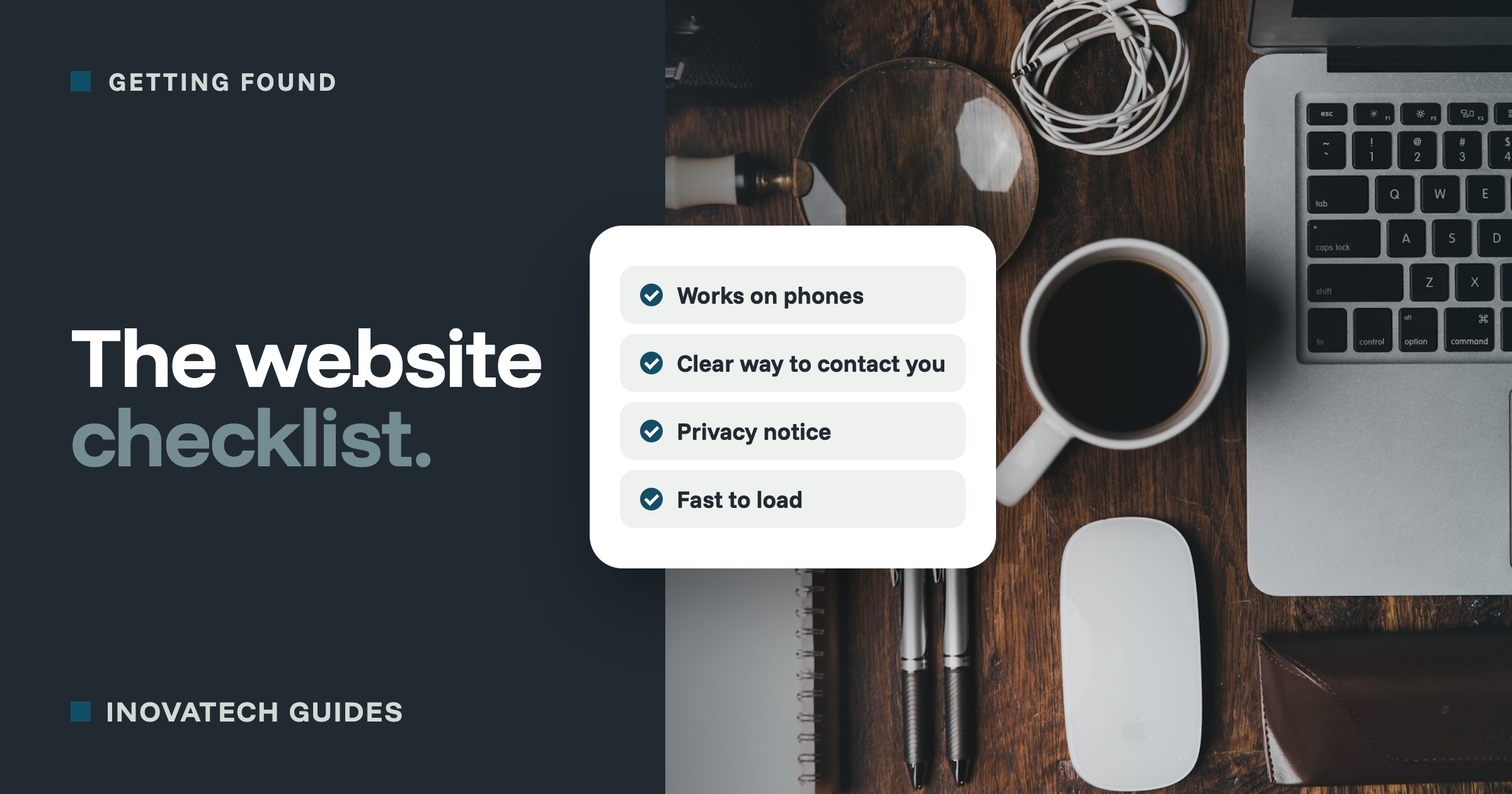
- It works properly on a phone. Most visitors arrive on a phone. The text should be readable without zooming, buttons easy to tap, and nothing should slide off the side of the screen.
- It loads quickly.If it takes more than a few seconds, people leave. Test it free with Google’s PageSpeed Insights (pagespeed.web.dev). Oversized photos are the most common cause.
- It shows the real you. Photos of you, your work, your premises or your products build trust far faster than stock photos of smiling strangers.
- Every page has one clear next step.“Book a table”, “Get a quote” or “Check availability”, as a button people cannot miss.
Contact and trust
- Your contact details are easy to find, on every page (the footer is fine): email, phone if you take calls, and the town or area you work in.
- The contact form works. Send yourself a test message every few months, and check it does not land in your spam folder. A broken form loses enquiries silently.
- Opening hours, or how quickly you reply, are clear, so people know what to expect.
- Reviews are on show. A few genuine reviews, ideally with a link to your Google reviews, do more than any amount of describing yourself.
- There is a real person behind it. An About page with a name and a photo. People buy from people, especially from a local business.
Getting found
- Each page has a clear title and description. These are what Google shows in its results. Search for
site:yourbusiness.co.ukon Google to see how your pages appear. - It uses the words customers search for.“Boiler repairs in Wareham” will be found. “Bespoke heating solutions” will not.
- It is linked to your Google Business Profile, and your business name, area and contact details are written the same way everywhere. Our Google Business Profile guide walks you through it.
- It is set up in Google Search Console (free). It tells you which searches bring people to your site, and warns you if Google has trouble reading it.
Security and upkeep
- It shows the padlock and the address starts with https, with no browser warnings. Our 10-minute security check covers this and more.
- It is kept up to date and backed up. If your site runs on WordPress or similar, someone should be installing updates every month, and there should be a recent backup stored somewhere other than the website itself.
- You own your web address and have the logins.The domain should be registered in your name or your business’s, and you should know who renews it and when. A common trap: the domain is registered to a former web designer, and nobody can reach them.
- Your email uses your own web address and is protected. An address like hello@yourbusiness.co.uk looks professional, and three settings stop scammers pretending to be you. See stop scammers sending emails that look like they come from you.
The legal basics for UK businesses
- A privacy notice.If your website collects personal information, through a contact form, bookings or a newsletter, or uses analytics, UK data protection law expects a privacy notice explaining what you collect, why, and who you share it with. The ICO, the UK’s data protection regulator, has free guidance for small businesses at ico.org.uk. If you use cookies that are not essential, such as most advertising and many analytics tools, you also need to ask visitors first, with a banner that makes saying no as easy as saying yes. The rules on some analytics cookies were relaxed in 2025, so check the ICO’s current cookie guidance before deciding what needs a banner.
- Your business details.UK rules on online business (the Electronic Commerce Regulations 2002) require most business websites to show the business’s name, a postal address where it is based, and an email address. Limited companies must also show their registered name, company number and registered office, and VAT-registered businesses their VAT number. If you work from home and would rather not publish your home address, a business address service is the usual answer. If you take orders or bookings online, your terms, cancellation rights and prices need to be clear before people pay.
This is practical guidance, not legal advice. If anything here applies to you and you are unsure, the ICO and Citizens Advice for business are good free places to start.
What to do with the results
Do not try to fix everything at once. Start with the first impressions section, because that is where visitors decide whether to stay, then the contact section, then the rest. If you are having a new website built, give your designer this list and ask them to confirm each item before you sign off the work.
Want someone to go through it with you? Our website audit checks all of this and more, and explains the results in plain English with what to fix first. If you need a new website, we build with every item on this list in mind. See our web design page.