In short
- Tell it about your business first, and the answers get much better.
- Use it for first drafts, ideas and tidying up, then check and edit everything before you use it.
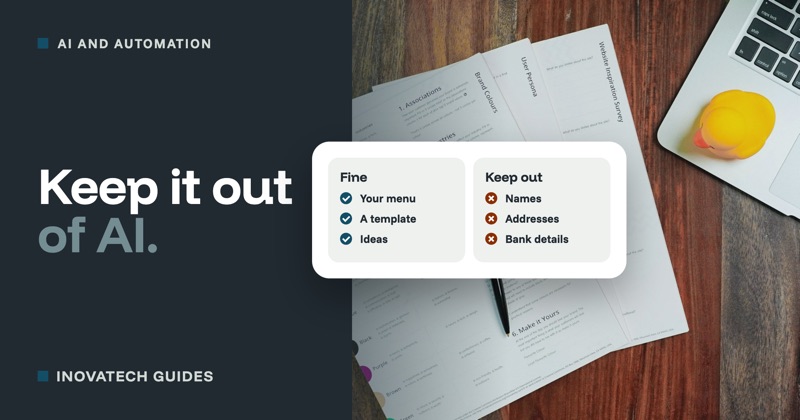
- Never paste in customers’ personal details. Our AI and customer data guide explains why.
Before you start
The free version of ChatGPT is fine for everything here, and Microsoft Copilot, Google Gemini and Claude work in much the same way. The most useful habit is to start each conversation by telling it who you are:
I run [a small cafe] in [Swanage, Dorset]. My customers are [locals, walkers and summer visitors]. Write in a friendly, plain style, in British English, with no jargon. Keep it short.
Ten everyday uses
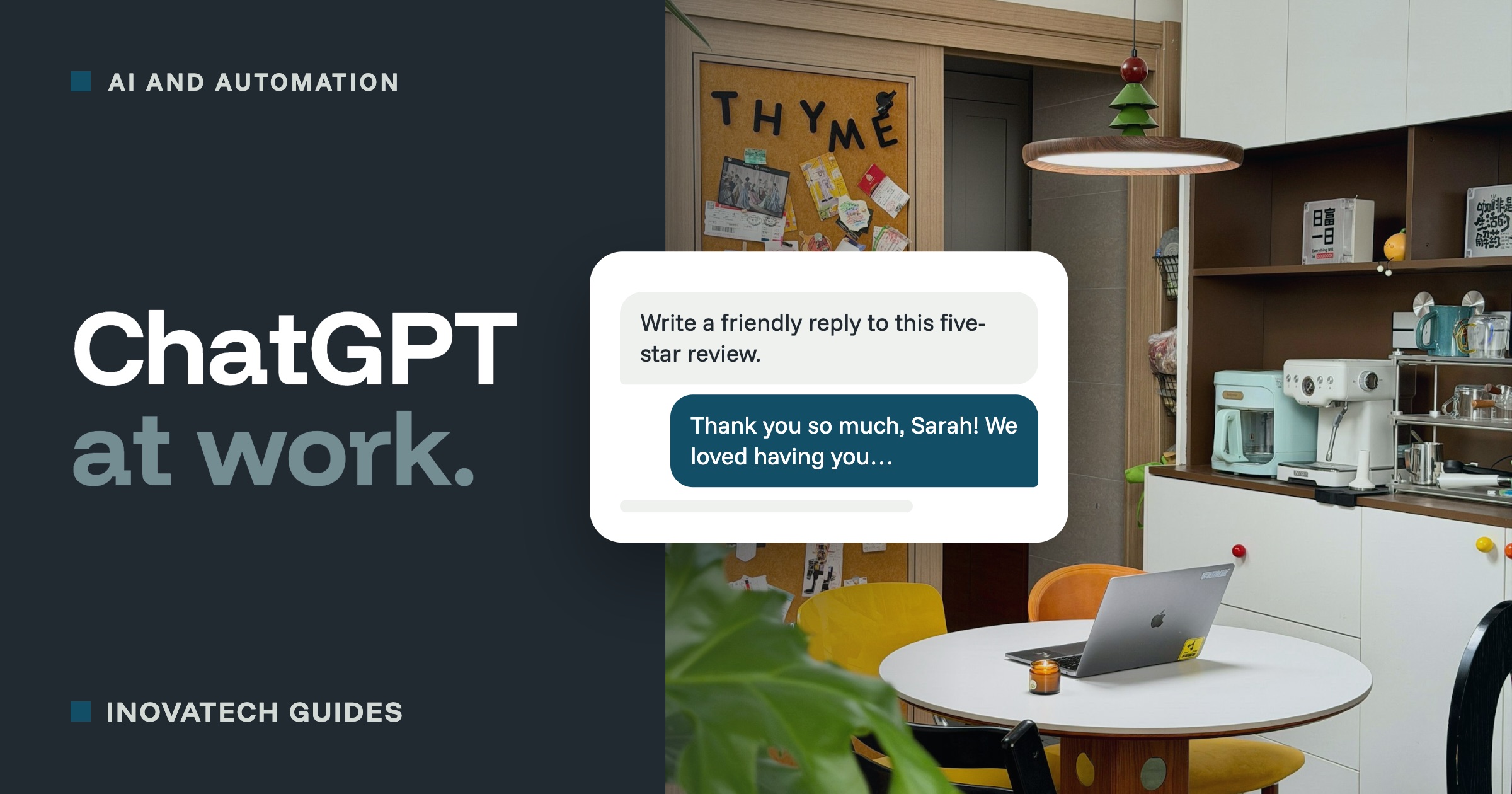
1. Reply to reviews
Google lists replying to reviews among its tips for ranking higher in local searches, and it shows future customers you care. It is also easy to put off.
Write a warm, short reply to this Google review. Thank them and mention one detail from what they wrote. No more than three sentences. The review: [paste the review text, and add their first name yourself afterwards]
For a bad review, ask for a calm reply that acknowledges the problem and offers to sort it out privately, and always read it twice before posting.
2. Plan a week of social media posts
Give me five short Facebook posts for next week. This week we have [new autumn menu, a quiz night on Thursday, and half-term opening hours]. Vary the style, and end each one with a simple call to action.
3. Tackle a tricky email
Paste in your own rough draft, with names and personal details removed, and let it find the right tone.
Make this email to a customer polite but firm. They have asked for a refund outside our cancellation policy. I want to offer a credit note instead. My draft: [paste your draft]
4. Write or improve your website and product descriptions
Rewrite this description of [our holiday cottage] so it is more appealing, but keep every fact exactly as it is and do not add anything that is not true. Under 120 words. [paste your current text]
5. Turn rough notes into an FAQ or a policy
Turn these notes into a clear FAQ section for our website, with a question and a short answer for each: [parking at the back, dogs welcome in the garden, card only, no bookings for under four people]
For anything with legal weight, such as cancellation terms, use the draft as a starting point and check it properly before you publish it.
6. Plan the season ahead
Help me plan simple marketing for [a gift shop] in [Purbeck] from [November to February], when visitor numbers drop. Suggest one idea a week that costs little or nothing, based on local events and the time of year.
7. Summarise something long
Summarise the main points of these supplier terms in plain English. List anything about notice periods, price rises or automatic renewal separately. [paste the terms]
Useful for getting your bearings, but not a substitute for reading the parts that matter, and do not paste anything marked confidential.
8. Get help with a spreadsheet
I have a spreadsheet with dates in column A and takings in column B. Write a formula for [Excel or Google Sheets] that adds up the takings for each month, and explain step by step where to put it.
9. Translate for visitors
Translate our welcome message for guests into French, German and Spanish. Keep it friendly and natural rather than word for word. [paste your message]
If you can, ask a native speaker to glance over anything you will print or put on show.
10. Write a job advert
Write a job advert for a [part-time summer assistant] at [our deli in Wareham]. [Weekends, 16 hours, from May.] Make it friendly and clear about what the job involves. Leave a space for me to fill in the pay.
Getting better answers
- Ask for options. “Give me three versions” and pick the best one.
- Say what to change. “Shorter”, “less formal”, “more like how I talk”. It keeps going until it is right.
- Let it ask you. End with “Ask me any questions you need before you start.”
- Show it your style. Paste in something you wrote that you like, and ask it to match.
Before you use what it writes
- Check every fact. AI can be confidently wrong, and it sometimes invents details, prices or rules. Nothing goes out with a price, a date or a promise you have not checked yourself.
- Make it sound like you. Customers notice text that sounds like a robot. Change the words you would never use.
- Keep personal details out. Use “the customer” instead of names, and leave out addresses, phone numbers and booking details.
- You are responsible for it. Whatever you publish or send is yours, whoever drafted it.
Want to go further? Our AI solutions include setting up AI tools for your business and showing you and your team how to use them well. When a job comes up every week, we can often automate it altogether. Before you dive in, read what not to paste into ChatGPT.